Best Home Studio Setup for Content Creators (2026 Guide)
The best home studio setup for content creators includes a microphone for clear audio, proper lighting such as a ring light or softbox, and a camera or webcam for high-quality video. A good setup allows creators to produce professional content from home for YouTube, streaming, podcasting, online courses, and social media. Beginners can start with simple, affordable gear, while advanced creators often build full studio environments with XLR microphones, multi-light setups, and professional cameras.
Learn exactly how to build your home studio step by step. Compare the best microphones, lighting, cameras, and gear for beginners and advanced creators.
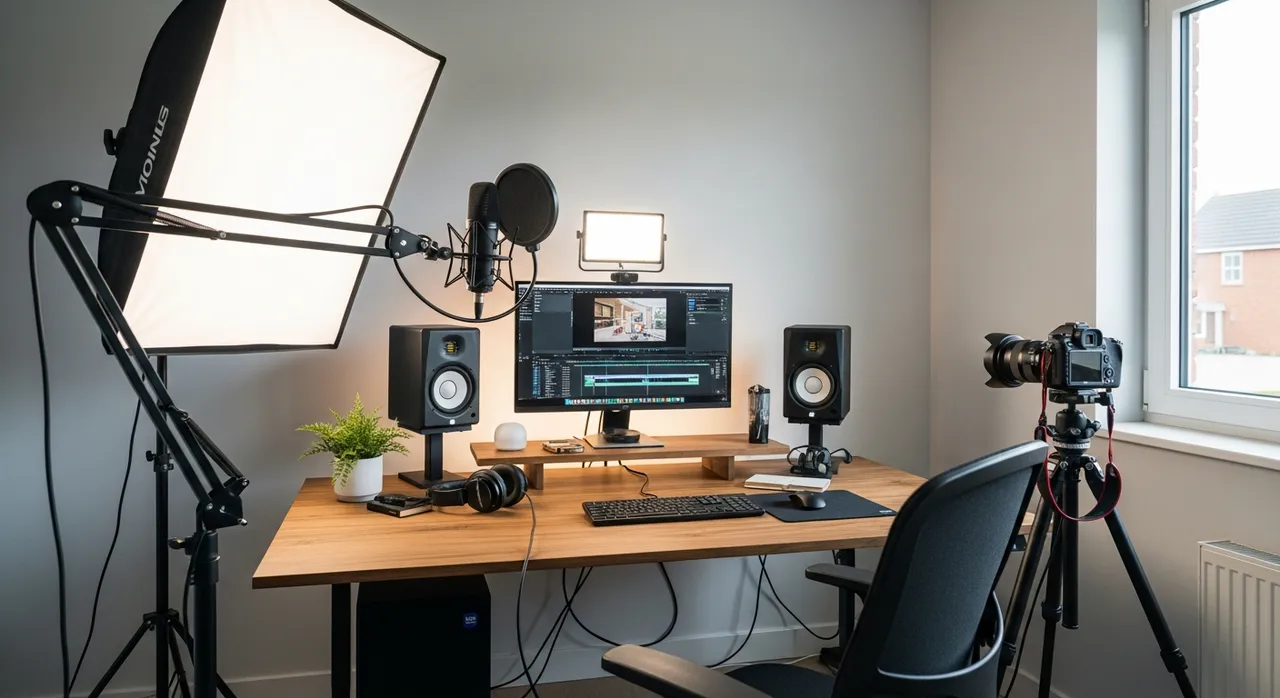
What Do You Need for a Home Studio Setup?
A home studio setup requires four core components: a microphone for audio, lighting for video quality, a camera for visuals, and a workspace to support your setup. These elements work together to create professional content.
How to Build a Home Studio Setup Step by Step
Step 1: Choose the Right Microphone
Audio quality is one of the most important parts of content creation. A good microphone makes your content sound clear and professional.
View best microphones →Pro Tip:
Never underestimate audio. Viewers will tolerate average video, but bad audio will make them click away immediately.
Step 2: Set Up Proper Lighting
Lighting improves video quality instantly and makes your content look more polished and professional.
View best lighting →Pro Tip:
Start with three-point lighting: a key light, a fill light, and a back light to create depth and separation from the background.
Step 3: Choose the Right Camera
Your camera determines how sharp and professional your content looks. You can start simple and upgrade later.
View best cameras →Pro Tip:
Modern mirrorless cameras offer superior autofocus and low-light performance compared to traditional DSLRs.
Step 4: Build Your Workspace
A clean and organized workspace helps you create content consistently and efficiently.
Learn about desk setup →Pro Tip:
Cable management isn't just for aesthetics—it makes it much easier to swap gear and troubleshoot issues.
Complete Home Studio Setup Breakdown
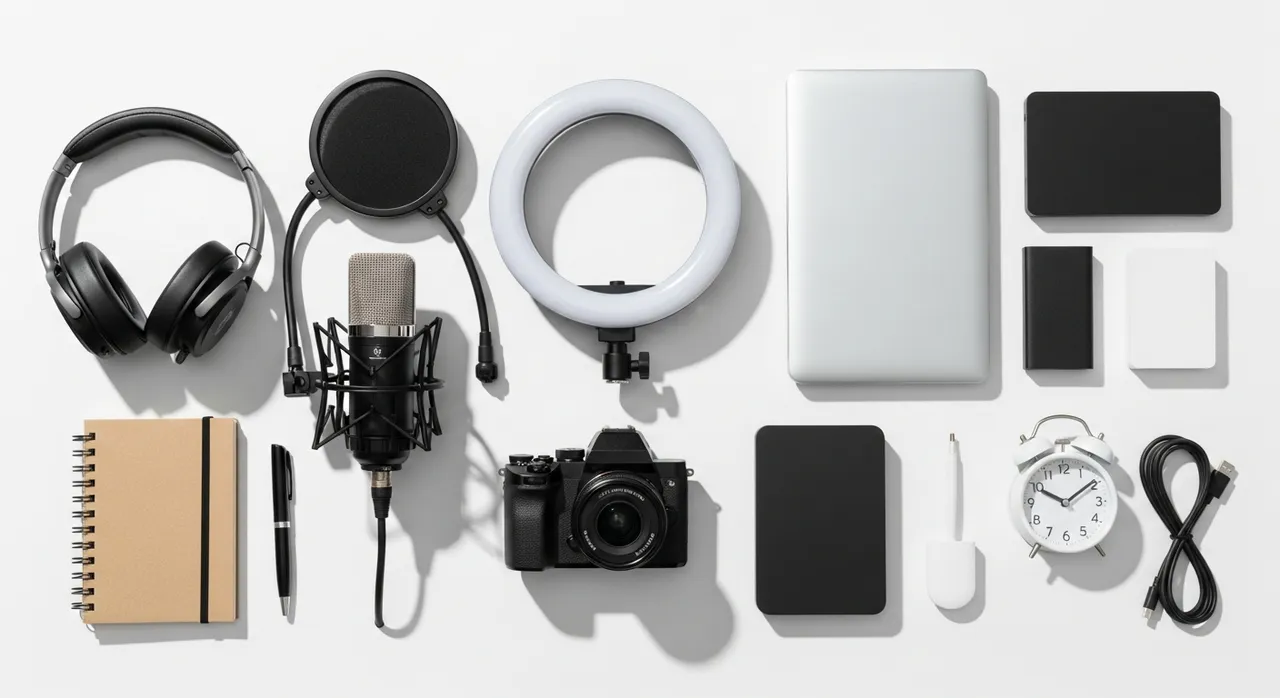
Best Home Studio Setup for Beginners
Beginners do not need expensive gear. A simple setup with a USB microphone, ring light, and webcam can produce high-quality content.
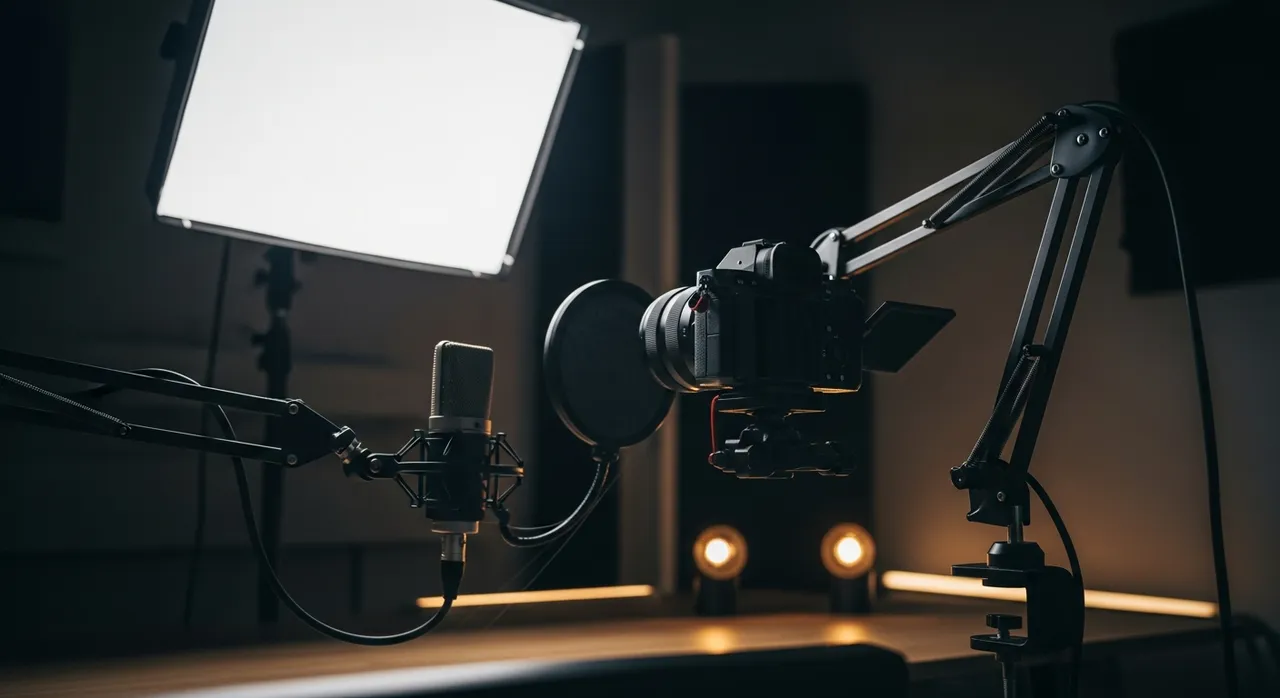
Advanced Home Studio Setup for Serious Creators
Advanced creators use XLR microphones, professional lighting, and high-end cameras to create studio-quality content.
Recommended Home Studio Gear
Why Your Home Studio Setup Matters
A better setup improves content quality, builds trust, and helps creators grow faster. In a world of infinite content, visual and audio clarity are the quickest ways to stand out from the noise and establish yourself as an authority in your niche.
Get Your Free Creator Setup Blueprint
Download a step-by-step guide showing exactly how to build your home studio setup, from beginner to advanced.
Frequently Asked Questions
What do I need for a home studio?
At a minimum, you need a microphone, lighting, camera, and a dedicated workspace. Each of these components works together to ensure your audio and video quality meet professional standards.
How much does a home studio cost?
It depends on your setup level. A beginner setup can cost as little as $150-$300, while a professional-grade studio can range from $1,500 to over $5,000 depending on the camera and audio equipment chosen.
Can I start cheap?
Yes, beginners can start with affordable gear. A high-quality USB microphone and a standard webcam are more than enough to start building an audience before investing in high-ticket mirrorless cameras and XLR setups.