Best Cameras for Content Creators (2026 Guide)
The best cameras for content creators depend on your content style, setup, and budget. Webcams are ideal for beginners and simple desk setups, while mirrorless cameras provide higher image quality and a more professional look for advanced creators. Whether you are creating YouTube videos, livestreaming, recording courses, or building a content brand, choosing the right camera can significantly improve your visual quality and overall presentation.
Compare the best webcams, mirrorless cameras, and creator-focused camera setups for YouTube, streaming, and home studio production.
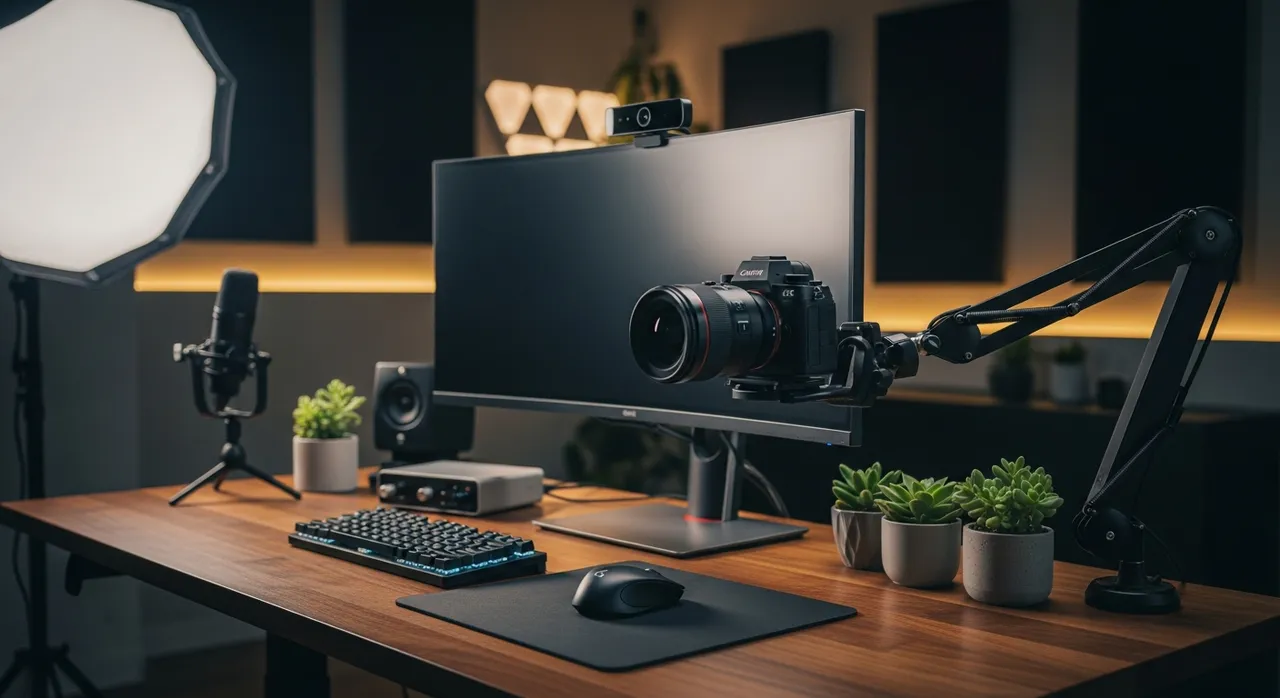
What Is the Best Camera for Content Creators?
The best camera for content creators depends on their needs. Webcams are best for beginners and simple setups, while mirrorless cameras offer better image quality, depth, and flexibility for advanced content creation.
Best Cameras by Category
Top Recommended Cameras Right Now
Logitech C920 Webcam
A reliable and affordable webcam perfect for beginner setups, streaming, and online content.
Check Price on Amazon →Elgato Facecam
A premium webcam designed for creators who want sharper image quality and better control.
Check Price on Amazon →Sony ZV-E10
A powerful mirrorless camera built for content creators who want professional-level video quality.
Check Price on Amazon →Canon EOS M50
A beginner-friendly creator camera that offers better video quality than webcams.
Check Price on Amazon →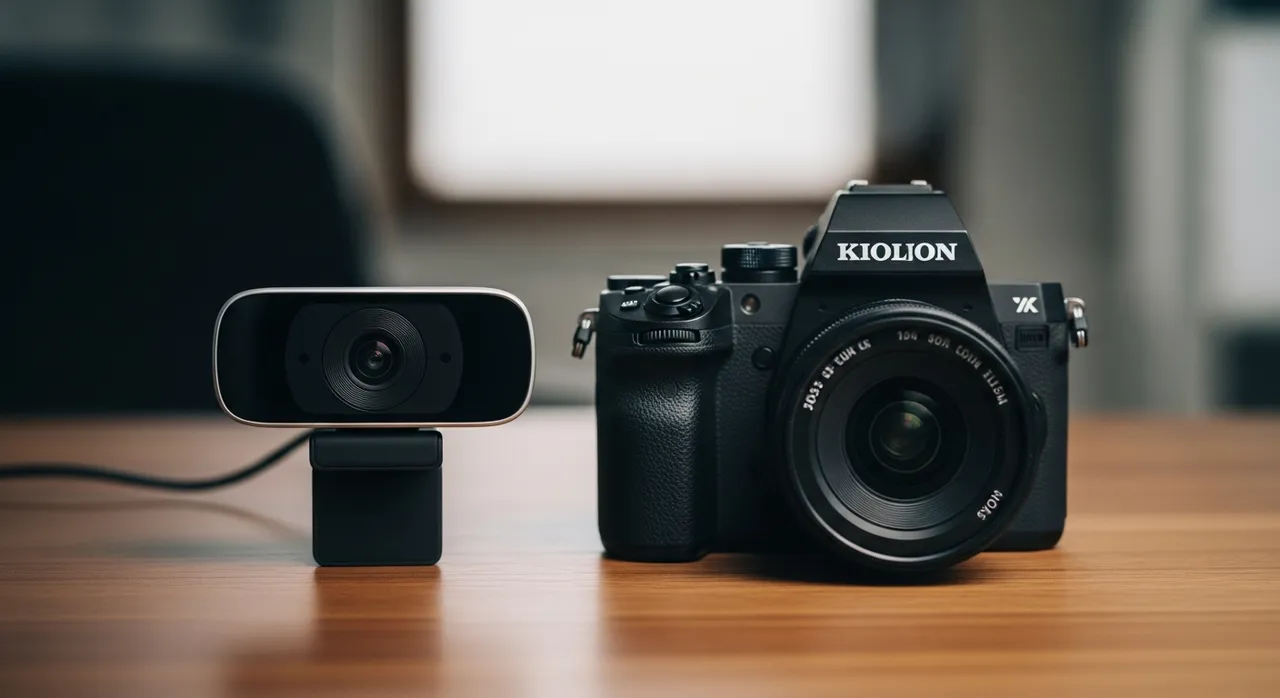
Webcam vs Mirrorless Camera: Which Should You Choose?
Webcams are easier to use and ideal for desk-based creators, while mirrorless cameras provide better image quality, depth, and flexibility for advanced setups.
Read our full comparison guide →Best Cameras for YouTube
Good cameras improve brand perception, clarity, and content quality. For YouTube, having a camera with good autofocus and a flip-out screen is essential.
Build your YouTube studio setup →Best Cameras for Streaming
Streamers benefit from consistent, desk-friendly lighting that works well for long sessions. Webcams are often best for simple streaming setups, while advanced creators may upgrade to mirrorless cameras with a capture card.
Best Cameras for Online Courses and Coaching
Higher-quality cameras help create a more professional and trustworthy presentation for your students and clients.
Best Cameras for Specific Use Cases
Choosing the right camera depends on how you plan to create content. Different setups require different features, and using the right camera for your specific use case will improve both your video quality and overall workflow. Below are the best camera guides based on how creators actually use their setups.
Best Camera for YouTube
Find the best cameras for recording YouTube videos, including beginner-friendly options and professional setups with high-quality video and autofocus.
→ /best-camera-for-youtubeBest Camera for Streaming
Discover the best cameras for livestreaming, including webcams and creator-focused cameras that work well for long sessions and desk setups.
→ /webcam-vs-mirrorless-cameraBest Camera for Beginners
Explore simple, affordable cameras that are easy to use and perfect for new content creators building their first setup.
→ /camerasBest Camera for Professional Content Creation
Compare high-end cameras used by serious creators who want better image quality, depth, and full control over their video production.
→ /webcam-vs-mirrorless-cameraBest Camera for Beginners
Beginners should start with a webcam or entry-level camera that is easy to use and improves video quality without complexity.
Logitech C920
View on AmazonCanon EOS M50
View on Amazon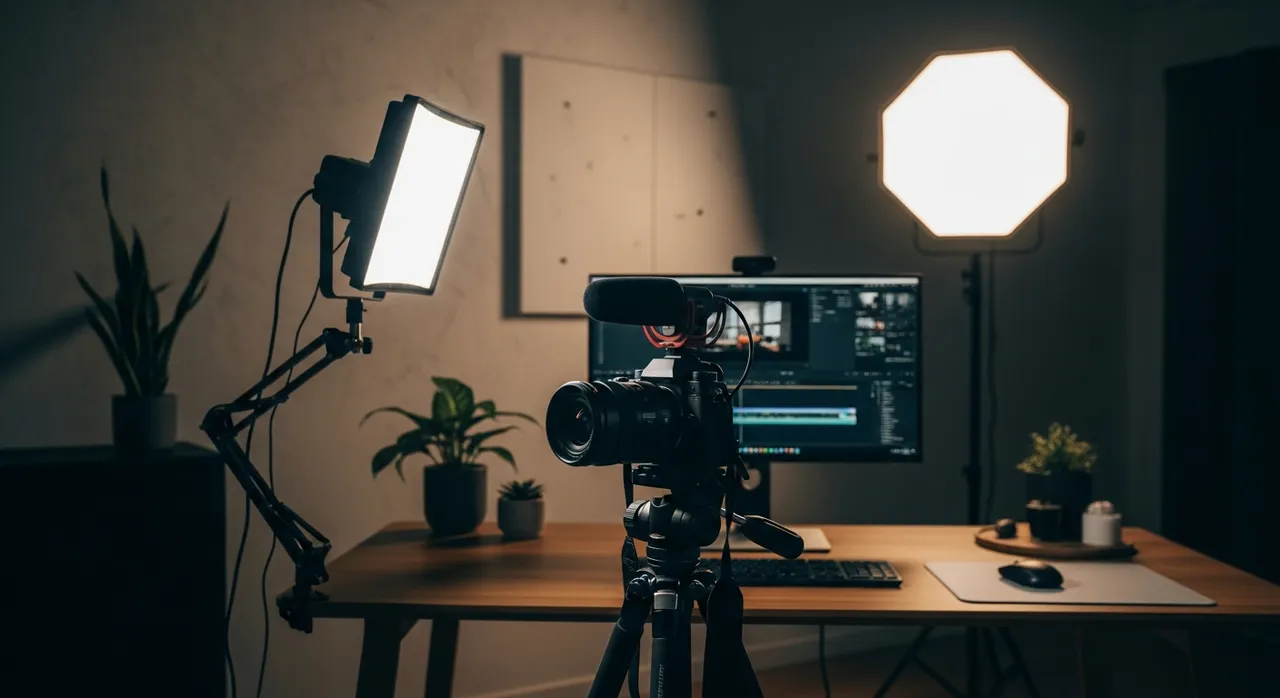
Best Cameras for Professional Setups
Advanced creators often use mirrorless cameras to achieve better image quality and a more professional look. These setups often require additional gear like lenses, tripod mounts, and dummy batteries.
Compare Popular Cameras
How We Choose the Best Cameras
Cameras are selected based on ease of use, image quality, and real-world performance for content creators. We test for autofocus speed, low-light performance, and ease of integration into common creator workflows.
Get Your Free Creator Setup Blueprint
Download a step-by-step guide showing exactly how to build your home studio setup.
Frequently Asked Questions
What is the best camera for beginners?
Webcams like the Logitech C920 are the best entry point for most beginners.
Do I need a mirrorless camera?
Only if you want higher quality, better depth of field (bokeh), and more control over your image.
Are webcams good enough?
Yes, especially for beginners and desk-based creators who have good lighting.